


Running Vizard
To run, type:
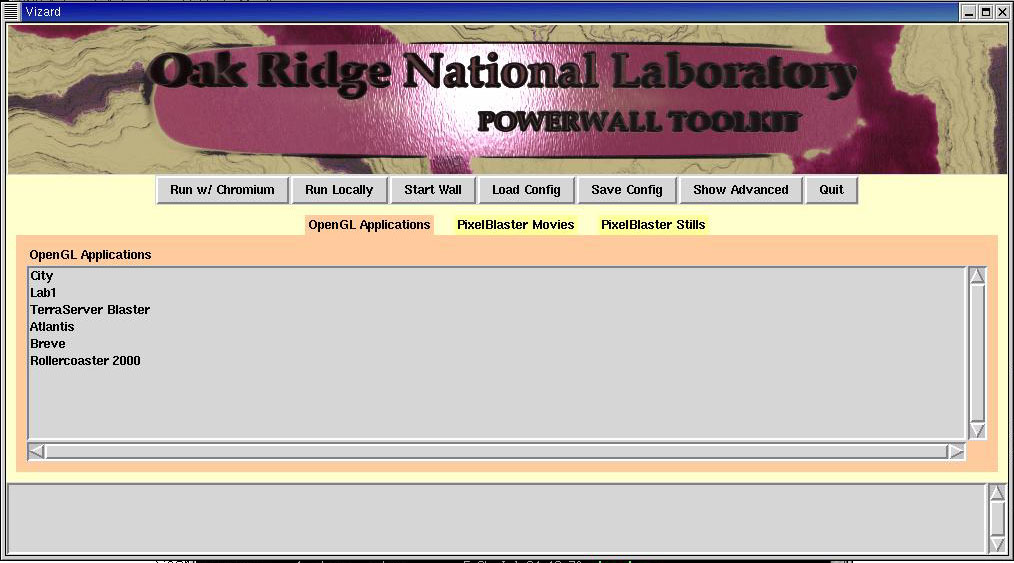
$VIZARD/vizard.pyThe first window should look like this: (click for larger image)
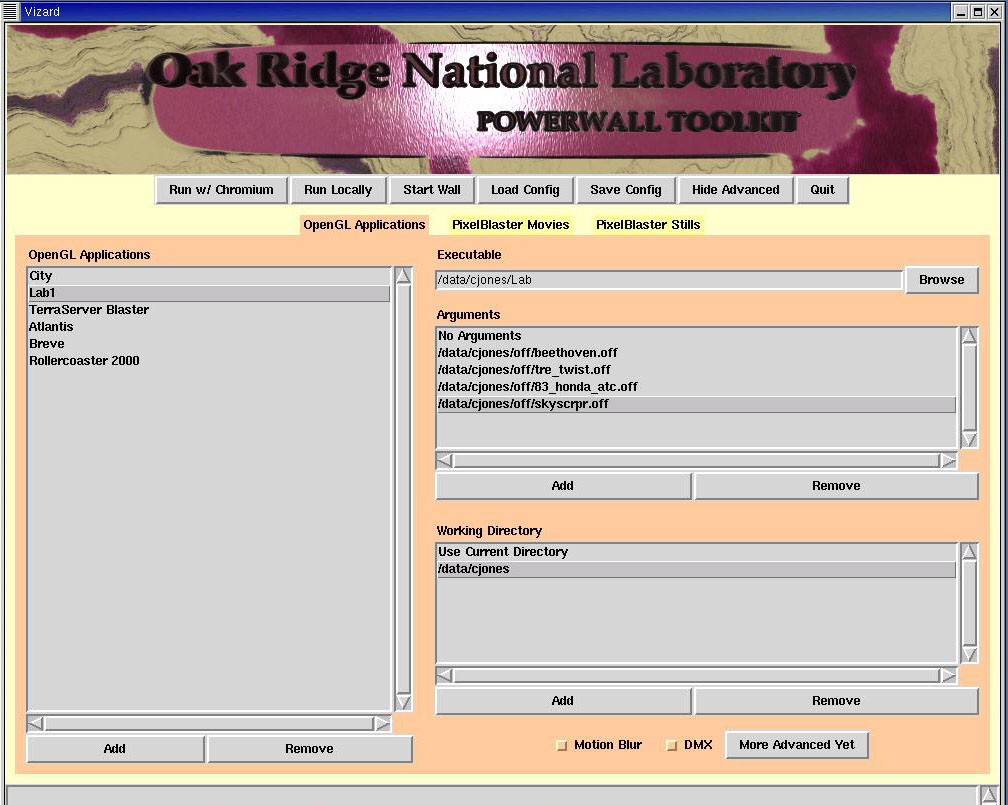
Press "Show Advanced" for options on how to add/remove programs, add/remove program parameters, enable/disable DMX, set directories, etc:
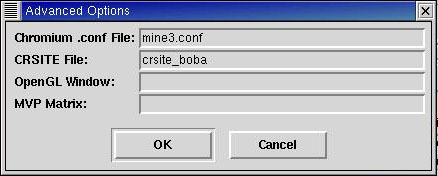
More advanced allows you to specify a .conf file, crsite file, the opengl window to display, and turn on MVP Matrix support:
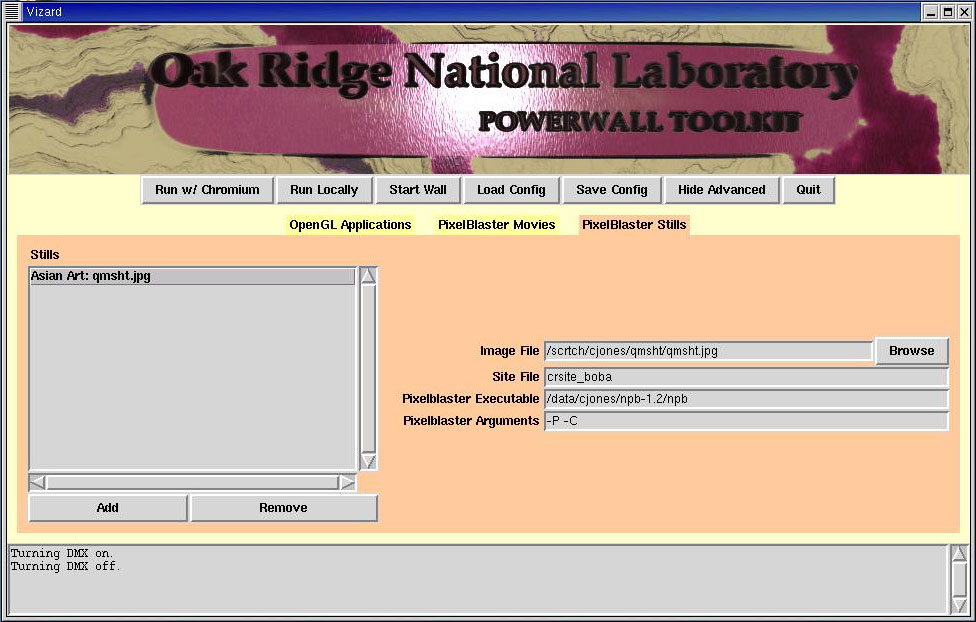
The PixelBlaster Movies and PixelBlaster stills also have advanced options for inserting your own movies/images: